Showing posts with label Office 365. Show all posts

Friday, 30 September 2016

New Outlook Features

I've been catching up with some of the sessions from MS Ignite via the on demand function and one of the interesting events I tuned into was the "Discover what's new and what's coming from Microsoft Outlook" with Julia Foran, Allen Filush and JJ Cadiz.

Within the session they talked about how they have used customer feedback to help develop a better more intuitive and productive tool.

The new features that should be starting to roll out to Office 365 subscription users in the new few months are as follows;

Focused
They received a lot feedback about the Clutter facility and how emails were getting lost in there when users forgot to check there so they have introduced the Focused view that will help to show a user on opening Outlook the important emails while the not so important emails will go into the Other view.  This feature can be seen in this video:


@mentions
Within emails you will now be able to use the @ symbol and then type someone's name to help bring to their attention something in particular within that email.  This will be especially useful within emails that have many recipients.  It's very like the mentions facility that Twitter and Facebook currently utilise so the hope is that users will be able to adapt to this new feature easily.  


Shared Calendars
One of the major issues we're all aware of if we've used calendars within an organisation is that shared calendars can be a pain to set up, access and view.  This is set to change.  Microsoft have put a lot of effort into developing a better and easier to manage system.   The ability for an end user to share their calendar with a colleague has now been simplified and easy to understand. Accepting that invite to be able to view a shared calendar is much more initiative and grants instant access. 

It used to be the case that you could only view a shared calendar from your Outlook client and that wasn't reliable all the time, but now you will be able to see your colleague's calendar from your Outlook client, your OWA session, or your mobile device (iOS, Android and Windows).  Which is a great move and will be extremely handy for the one the go worker. 

The free/busy time availability has also had some development.  Microsoft have made it that Outlook will learn the top 50 users that you schedule meetings with and help to populate their free/busy information instantaneously.  No more waiting on Outlook to find and display that info which was unreliable, it will now be available immediately, blink and you'll miss it loading! And the even better news is that you will be able to see the free/busy information on the go, so if you are trying to schedule a meeting from your mobile device you will get feedback on your meeting attendees availability there and then.

Others
There are also some other features coming along, which include the ability to see a small preview of any image files you are attaching to emails, so you can see if you're sending the right one. 

Outlook will be easier to set up on first run if you have signed into the device with your Office 365 account, which will be music to IT Administrator ears. 

If you receive an email regarding flight information or an online order Outlook will render all the useful information; flight number, check in details, tracking number, etc at the top of the email so that it easy to find and see. 


The future definitely looks bright for the features and functions of Outlook and I look forward to seeing them rolled out.  If you would like to hear more and see these features in action please take a look at the MSIgnite session at https://myignite.microsoft.com/videos/4076

Also if you would like to participate within the development of Outlook please visit Outlook Uservoice and give Microsoft your feedback. 

Tuesday, 29 September 2015

A review of the Unified Communications Day conference

Yesterday I attended the first Unified Communications Day at the National Motorcycle Museum in Birmingham, and I must say it was a very worthwhile event to attend.

The event was the brain child of Andrew Price and several of colleagues and it's goal was to bring together like minded people in the hope of networking and sharing knowledge on Unified Communications (Exchange/Office 365/Skype for Business) systems.

The UC Day team had managed to gather some very recognisable and well known names to attend and speak at the event as well as attracting the support of many big name companies to sponsor the event.

Attended the event for me meant a trip down south to Birmingham, but as the event venue (the National Motorcycle Museum) was only a 10 minutes taxi ride from the airport it was very accessible.

On arrival we collected our lanyards and badges and gathered for some pastries and coffee to start the day off, it was a nice way to ease into the day by catching up with old colleagues and friends also attending the event. The keynote speech by Andrew Price and Ian Woolner from the Microsoft Skype team. There was a nice buzz to the opening session of the day, you could tell that everyone was excited about what lay ahead.

Once the keynote was finished we all broke away to our sessions. There were three conference rooms dedicated to sessions throughout the day, one for Skype for Business, one of Office 365 and lastly one for Exchange. I chose to head to Steve Goodman's "Exchange 2016 Hybrid – Getting it right first time" session. Having followed Steve on Twitter and read many of his blog/tutorial posts over the years it was a nice chance to get to meet the man in the flesh and hear what he had to say. His session was very informative and gave a very good overview of what to do and what not to do in regards to a hybrid setup.

My second session of the day was Gary Steere's "Troubleshooting AutoDiscover and Availability in Exchange and Office 365" session. One of the best sessions of the day for me, Gary took the Autodiscover right back the basics and gave us some useful insights and tips on how to troubleshoot and set up Autodiscover within Exchange.

After a well deserved lunch break I chose to attend Justin Harris's "So You Think Your Directory is Ready for Office 365?" session. I came out of the session a little disappointed as I don't think the session went deep enough into the topic for the audience that attended. It was billed as an Intermediate session but I was still left a little wanting from it.

My next session was with Dave Stork on "Tooling Your Exchange", unfortunately the Demo Gods were against Dave during his session but none the less he pointed out some really good tips on troubleshooting Exchange and listed some great resources to use.

The penultimate session of the day for me was Michael Van Horenbeeck's "Exchange Hybrid Inside and Out" session. Michael is an energetic speaker and had the audience really engaged. He was struggling to cram all his content into the 45 minutes he had but he crammed alot into that session. Definately another session for me that was worth travelling for.

Nick Parlow's "Be Smart, Play Dumb; Exchange Design and Operations for Shared Services" session was the last of the day. Again Nick is an engaging speaker and had the audience intrigued with his knowledge and witty banter.

Overall, I feel the event was very worthwhile. I thoroughly enjoyed being able to learn from people who I regularly follow and use as mentors via Twitter and blog posts. It was also nice to get a chance to meet up with old colleagues and discuss issues and woes we have with clients, technology and life itself. The event was extremely well organised and laid out by Andrew and his team, here's hoping they will be able to organise the event again for next year and even more people make take the time to support it. We definitely need more events like this in the UK, there is an active and dedicated community willing to get involved and support events like this without a doubt. It's just a shame that there is a lack of woman within the IT community, would love to see some more females rolling up their sleeves and getting involved in the technical aspect of IT.


My Top Three Sessions
  1. Michael Van Horenbeeck's "Exchange Hybrid Inside and Out" session
  2. Gary Steere's "Troubleshooting AutoDiscover and Availability in Exchange and Office 365" session
  3. Nick Parlow's "Be Smart, Play Dumb; Exchange Design and Operations for Shared Services" session
Unified Communications Day website - http://www.ucday.co.uk/


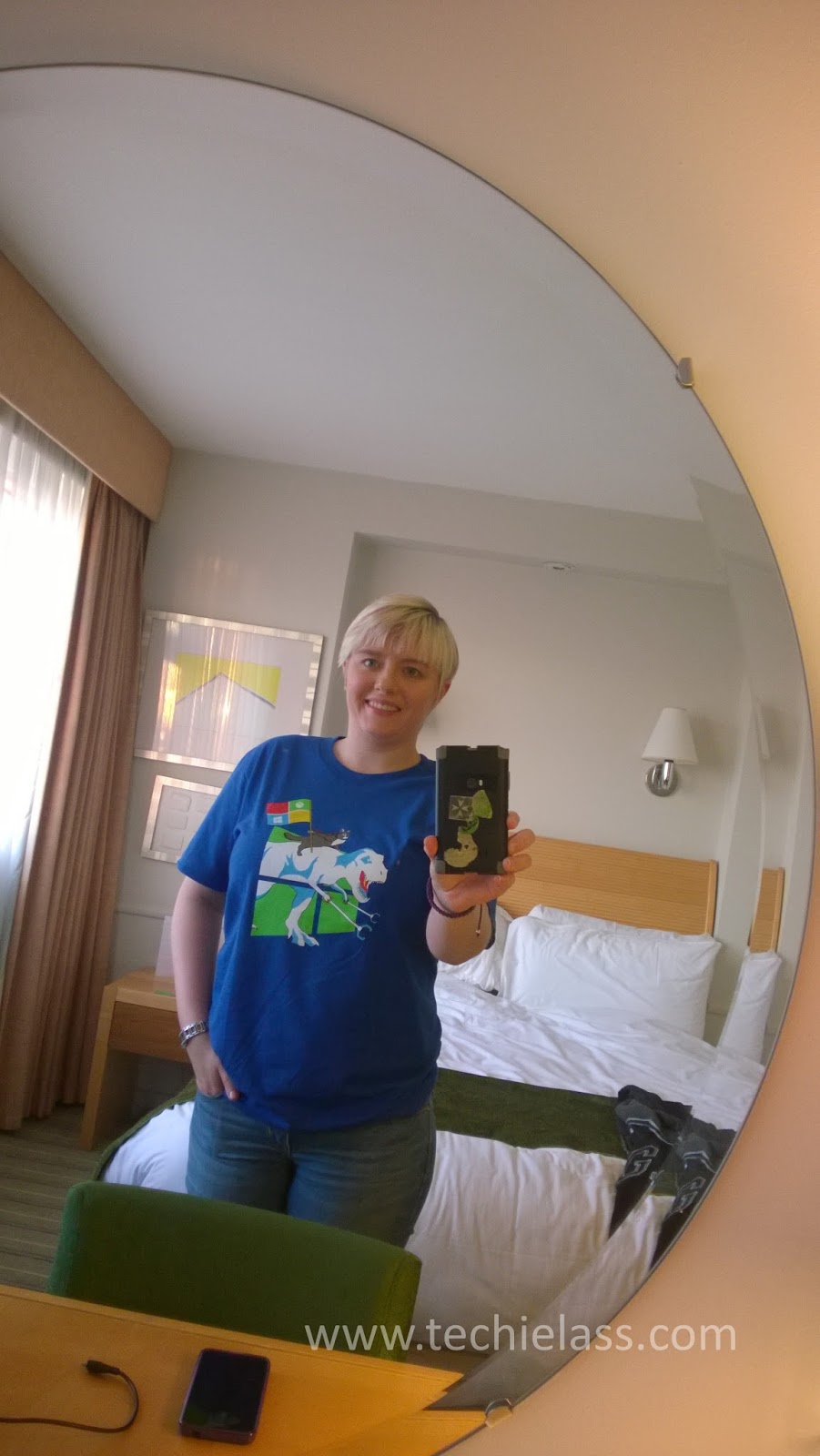
All ready for the event in my Windows 10 #UpgradeYourWorld t shirt

Share this post on StumbleUpon: